How it works
A turnover is one changeover: somebody moves out, somebody moves in. Smart Turnover records the condition of the unit at both ends and then puts the two records side by side. Everything below is in service of that one comparison being fair and hard to argue with.
1. Set the property up once
A property is a list of rooms, and each room a list of things that get checked. You build that once and save it as a template. Every future turnover at that address starts from it, so the second changeover takes minutes rather than an evening.
A template does not have to belong to an address. If forty units are the same floor plan, one reusable template covers all of them. You can also add a room to a single turnover without touching the template it came from — a garage this tenant has and the others do not.
Templates are edited on the website or on the phone, and the two stay in step.
2. Walk through it
Each item gets a rating, and whatever else it needs: a photograph, a note, a count. You can set how many photographs an item needs before it counts as answered — a scuffed wall is one thing with a picture and an opinion without one.
The walkthrough runs on the phone, not on the network. A basement with no signal is a normal place to be doing this, so everything is written down locally and uploaded when there is something to upload to.
If you would rather not stop and photograph everything on the spot, mark an item photos later. You can still sign, and the app chases the pictures for you afterwards.
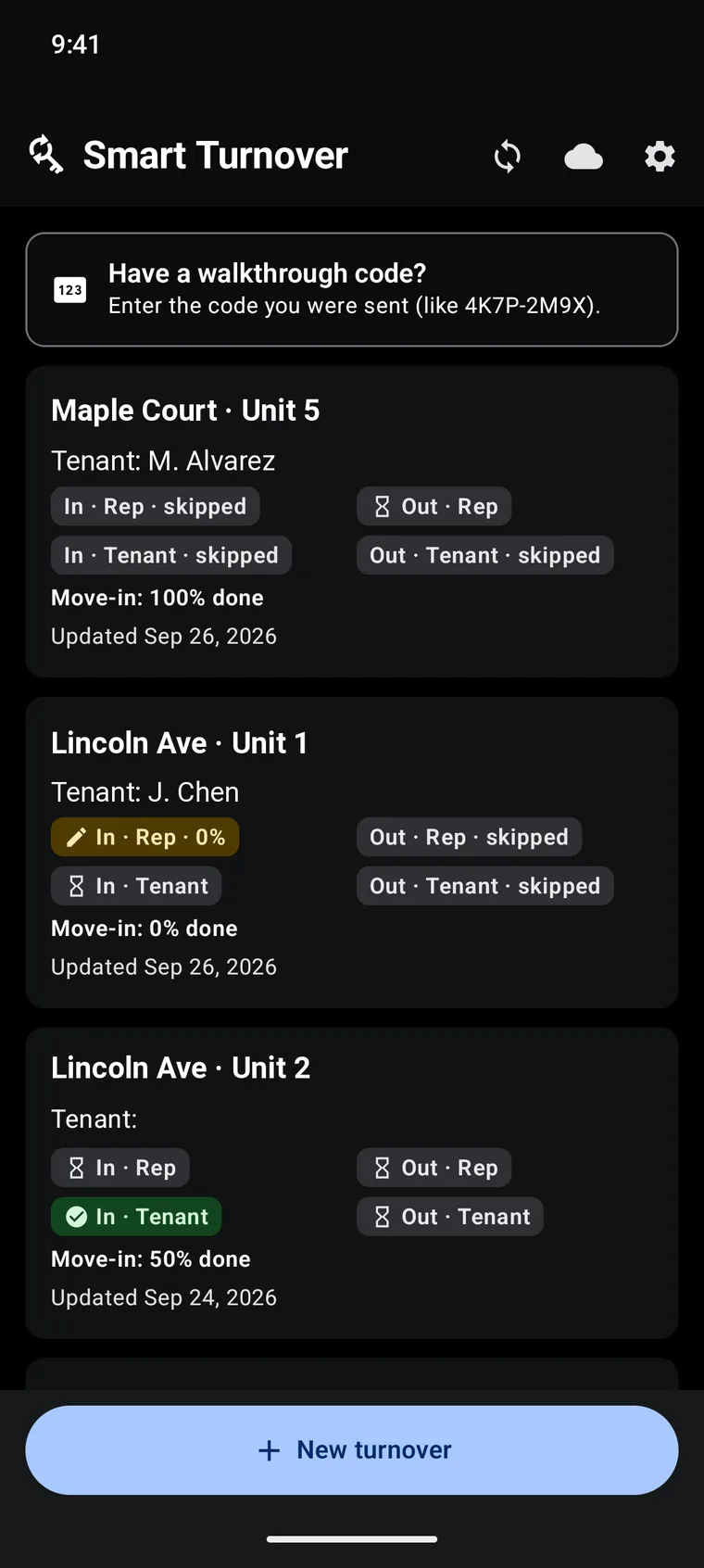
3. The tenant walks through too
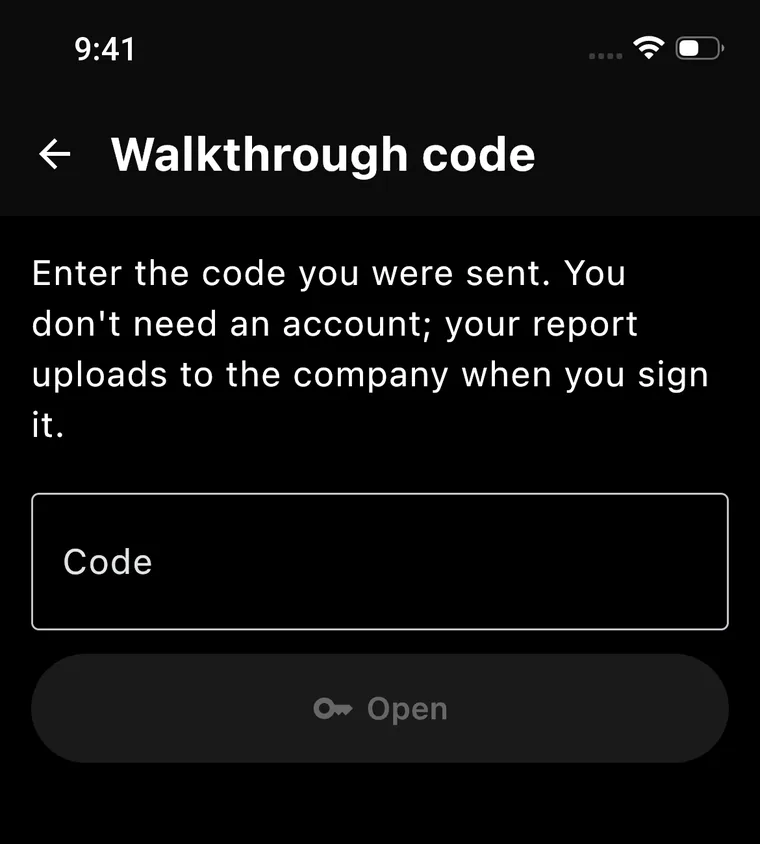
You send a code by text or email. The tenant opens it in whatever browser they have, walks their own unit, photographs what they see and signs. There is no app to install and no account to create.
That is the part that makes the record worth something. One person's photographs of a room are evidence; two people's photographs of the same room, taken independently, are a fact.
4. The comparison writes itself
Once the move-out walkthroughs exist, every item is lined up against its move-in record and marked: unchanged, pre-existing, new damage, or improved. Where the two parties disagree, it says so rather than picking a side.
Counted things are handled separately, because they are a different question. Three keys given and two returned is not a condition getting worse; it is one key missing, and it reads that way.
5. Settle the deposit
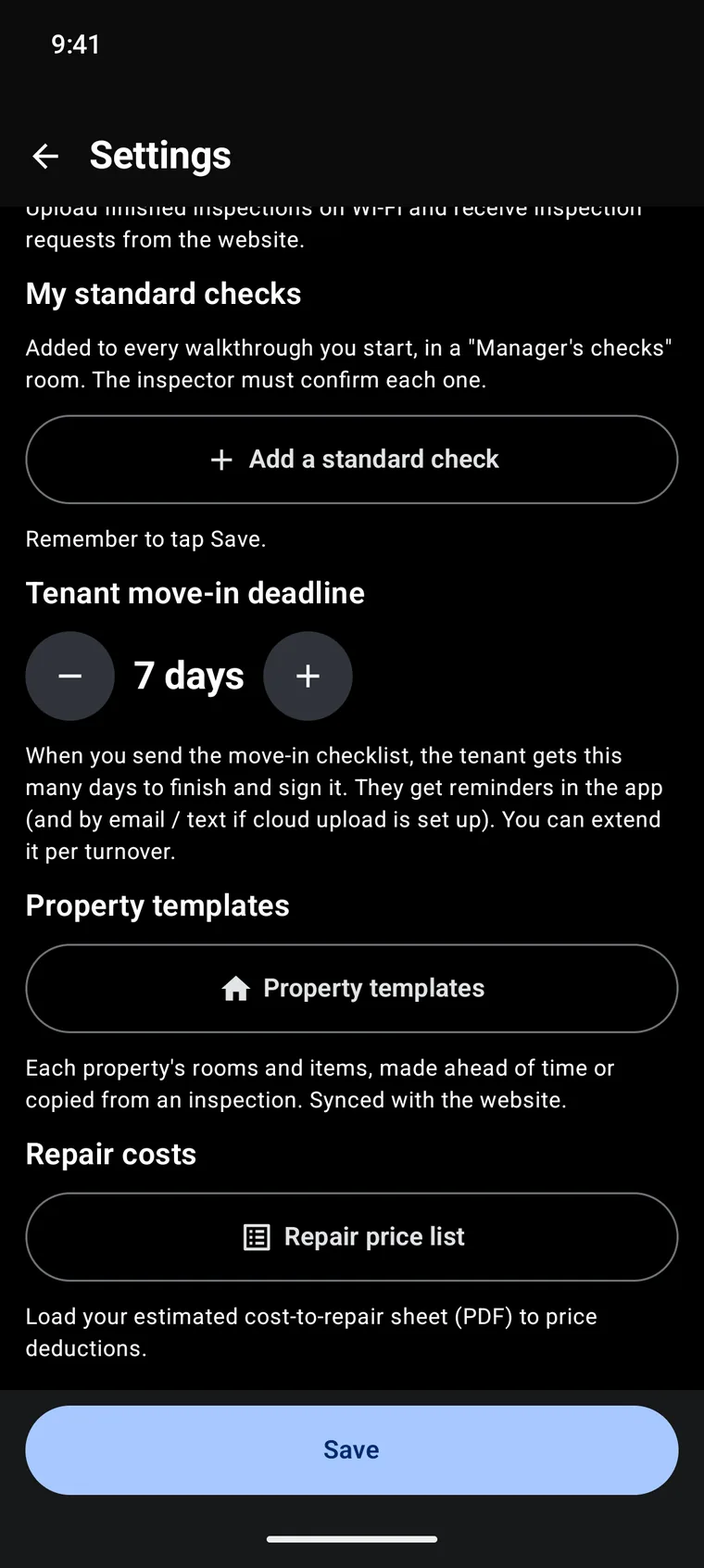
Deductions are priced from your own repair list — what you actually pay to patch a wall or replace a blind — so the figure existed before the argument did.
The tenant gets an itemised statement with the photographs attached and a page where they can dispute a line. Everything ends as a PDF you can send, print or file.
Who can do what
- Owners — everything, including billing and who is on the team.
- Managers — turnovers, templates, prices, deposits. Not billing.
- Representatives — the walkthroughs handed to them.
- Tenants — their own walkthrough, by code, with no account at all.
The FAQ goes into the parts that catch people out — what a setting changes elsewhere, and where the sharp edges are.